Serving a 14B parameter LLM on my laptop to get my girlfriend clients
Two production systems of mine run on a language model on my own laptop: LeadScout, which finds people looking to hire my girlfriend's hair and makeup business, and the news sentinel in TradeFlow, which screens trades for hacks and delistings. Both run on one copy of Qwen3 14B, served by LLMGateway on an Apple M4 Pro with 48 GB of unified memory. That memory is also what the GPU, my editor, a trading engine and everything else share. A dedicated server or a hosted API would have been simpler. I used the laptop partly because it was free, and partly for the challenge of serving a real model from one. So most of this post is about fitting a useful model into a budget, and then checking that it does the job.
Why LeadScout exists
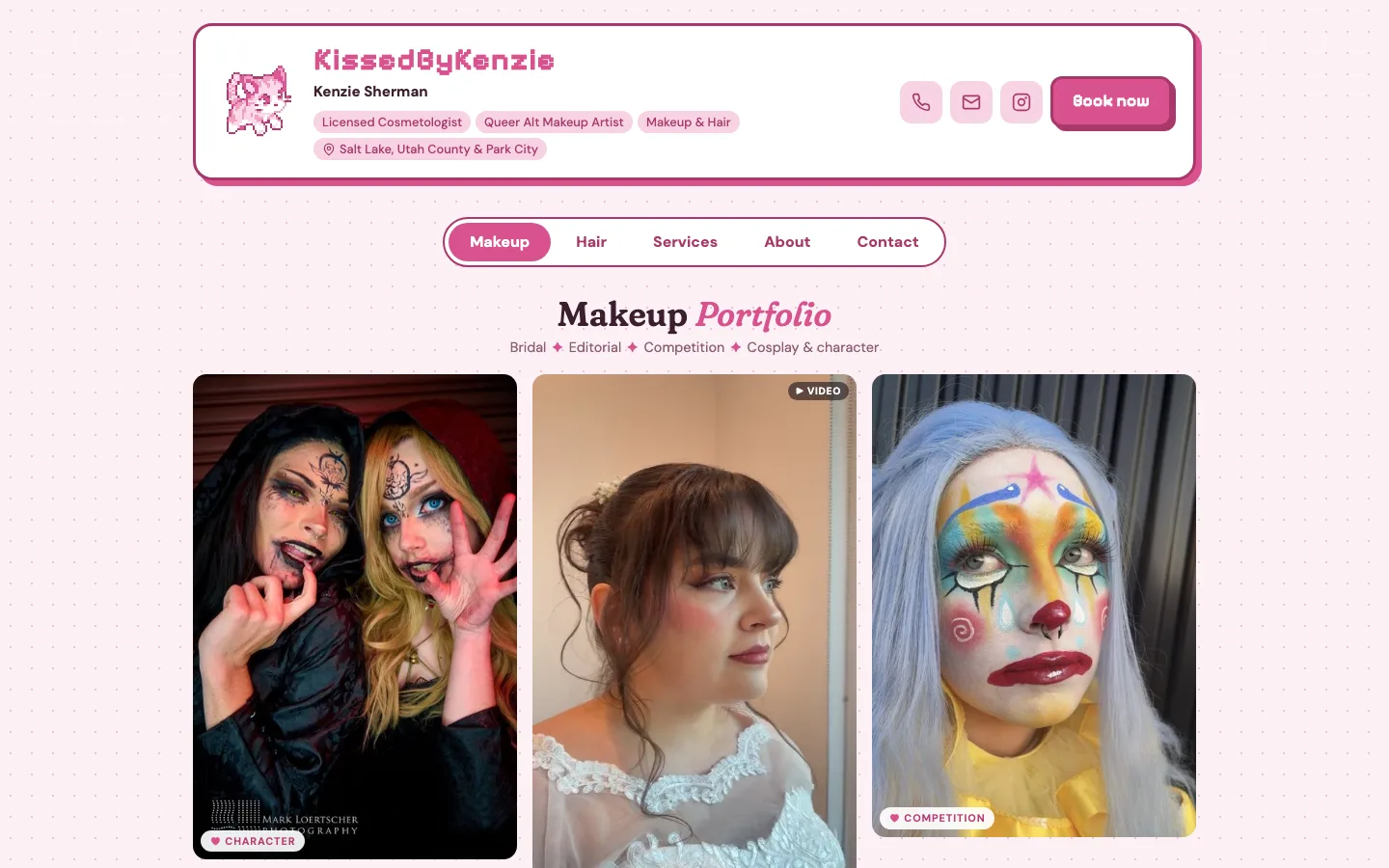
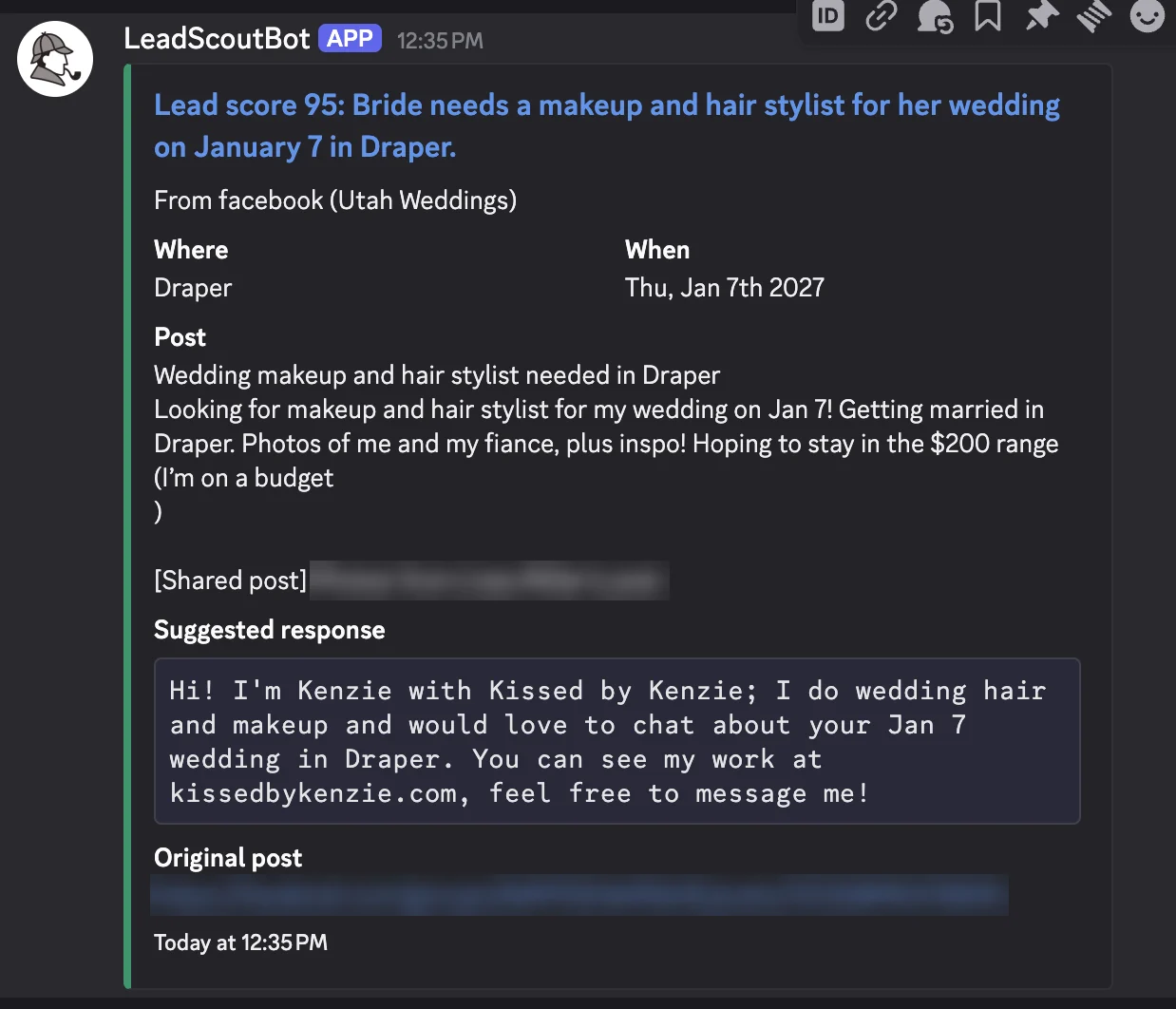
LeadScout started because my girlfriend, a hair and makeup artist who runs Kissed by Kenzie, was having trouble finding clients. The demand was out there: people regularly ask in local Facebook groups for someone to do their wedding, prom or photo shoot makeup. But those posts are scattered across dozens of groups and buried among everything else, so they're easy to miss. LeadScout makes sure she sees them, with a reply already drafted.
The LeadScout pipeline
LeadScout watches the groups and feeds a business picks, decides whether each new post is someone looking to hire, scores it from 0 to 100, drafts a reply, and alerts on Discord when a strong one shows up. A person reviews it and posts the reply themselves.
- On a schedule Sources New posts from local groups, Reddit and job listings.
- Instant Keyword filter Drops posts that don't mention the business's services.
- 10–20 s a post Local model Answers factual questions about the post and drafts a reply.
- Instant Score & alert Code computes the score; strong leads go to Discord.
Leads are 0.2% of posts, so the expensive step has to see as few as possible. A keyword filter removes half the stream for free; dedup, a 14-day age limit, a per-source cap and scanning low-yield groups less often keep the model to about 100 posts a day.
The memory budget
Ollama runs the model through llama.cpp on the GPU via Metal. On Apple silicon the GPU uses the same RAM as everything else, so the model's footprint comes straight out of the machine's working memory, and what matters is weights plus KV cache.
| Component | Size | Why |
|---|---|---|
| Weights, 16-bit | ~30 GB | 14.8B parameters × 2 bytes: doesn't fit alongside everything else |
| Weights, Q4_K_M | 9.3 GB | about 5 bits per weight, the 4-bit “K-quant” mix |
| KV cache, 2 × 16k tokens, f16 | 5.0 GiB | 160 KiB per token (below) |
| Resident total | 14 GB | as reported by ollama ps, 100% on GPU |
The KV cache stores each layer's keys and values for every token in context. Qwen3 14B uses grouped-query attention: 40 query heads share 8 key/value heads, each 128 wide, across 40 layers. Per token:
2 (K, V) × 40 layers × 8 KV heads
  × 128 dims × 2 bytes
= 163,840 bytes = 160 KiB per token

32,768 tokens × 160 KiB = 5,120 MiB
llama.cpp's own log reports exactly that: a 5,120 MiB KV buffer, 2,560 MiB each for K and V. Grouped-query attention is doing a lot of work here; with a key/value head for every query head the cache would be five times larger, 25 GiB.
- Weights
- KV cache
Context length is the knob that sets this. Ollama's default here was one 32k-token slot, but the
sentinel's prompts are 2 to 3 thousand tokens and LeadScout's about 1,000. The real problem was
concurrency: with one slot, a sentinel check queued behind LeadScout's batch work and hit its 180-second
timeout. Two slots of 16k tokens cost the same 5 GiB as one of 32k, and they fixed the timeouts. The model
is also pinned in memory (keep_alive = -1), because unloading and reloading 9 GB costs seconds
on every cold request.
The next lever is quantizing the KV cache itself. Storing K and V at 8 bits (q8_0) would
halve it to 2.5 GiB with little loss, and flash attention, which llama.cpp needs for that, is already on.
I haven't needed it yet; I'd rather spend the memory on a third slot when a third app needs one.
Where the time goes
On the M4 Pro the model reads prompts at about 200 tokens a second and generates at about 24. A typical request reads about 1,000 tokens and writes about 460, so prefill takes about a second and generation about 20. Nearly all the latency is decode, which is bound by memory bandwidth: every generated token reads the whole 9 GB of weights.
So the optimizations go after output tokens:
- Qwen3 reasons at length before answering by default, which took a post from seconds to minutes. A short classification doesn't need that, so requests turn thinking off with
reasoning_effort: "none", because the/no_thinkprompt switch is ignored through Ollama's OpenAI-compatible API. - The output schema is compact: short factual fields instead of free-form explanation.
Prefill is cheap partly because of llama.cpp's prompt cache. Every LeadScout request starts with the same system prompt, the business's services, rules and service area, and only the post at the end changes. llama.cpp keeps the KV state for prompts it has seen and reuses the longest matching prefix, so across recent requests a median 71% of each prompt came straight from cache and only about 280 new tokens needed processing. That shapes how prompts are written: stable instructions first, the variable part last, and rule changes made rarely, since any edit to the shared prefix invalidates it.
Making a small model reliable
Four techniques took the classifier from unpredictable to something I can test:
- Requests send a strict JSON schema, which Ollama compiles into a grammar that restricts which tokens can be sampled, so the reply is valid JSON in the right shape. If it still fails validation (with Zod), one retry spells the schema out in the prompt instead.
- Sampling uses temperature 0 and a fixed seed, so a borderline post gets the same answer every run instead of flipping.
- The model supplies facts and code makes the decisions. Asked for a 0–100 score directly, the model drifted by more than 30 points on the same post. Now it only extracts facts (who is asking, for what, where, when), and code scores them: intent up to 40, service fit 25, location 20, timing and value 15.
- A lead needs a quote that actually appears in the post and actually names hair or makeup. Distances come from real coordinates, and dates like “January 7” posted in November resolve to the next January, in code rather than in the model.
Switching models brought its own problems. After the move from Gemma 3 12B to Qwen3 14B, Qwen3 often left the quote fields empty while its own summary named the service, so the evidence check also accepts the extracted service when the post names it too.
Measuring it
The evaluation set is 4,292 posts, each labeled after one of the audits described below read it. Only 138 are leads, so accuracy is meaningless: a model that says no to everything scores 97%. What I track is recall, how many real leads it finds, and false alarms.
The latest run covered all 138 leads and a fixed sample of 600 non-leads:
| Measure | Count | Rate |
|---|---|---|
| Recall: leads found | 115 of 138 | 83% |
| Recall, leaving out events already past | 115 of 129 | 89% |
| False alarms: non-leads flagged | 2 of 600 | 0.3% |
| Leads dropped by the keyword filter | 1 of 138 | 0.7% |
Nine of the 23 misses are posts the scanner first read after the event had already happened, which the current rules reject on purpose. Most of the rest ask for recommendations without clearly asking to hire anyone. Some of the classifier's fixes came from these same posts, so the numbers lean optimistic. Alongside the eval, 69 regression cases pin specific posts to lead or not-lead, with score bounds, plus separate recall and keyword-filter tests.
Auditing the model with a Claude Code skill
The eval set has to keep up with what people actually post, so I wrote a Claude Code skill,
/audit-posts, that does the review. When I run it, Claude:
- Dumps every post not yet audited, both the ones the model labeled and the ones the keyword filter dropped before the model saw them.
- Reads every one of them. The skill forbids sampling or keyword-searching, because the missed leads are exactly the posts that don't use the expected words.
- Judges each label against the business's written rules plus a list of the owner's past rulings (face painting counts, salon job ads don't, an expired date doesn't), and asks instead of guessing when a post doesn't fit.
- Fixes what the rules already decide: flips wrong labels, which records them as corrections in the eval set, and fixes the classifier for systematic misses.
- Adds each fixed post as a regression case, reruns all the tests and checks new rules against every existing non-lead for false positives, then redeploys and cleans up stale alerts.
- Marks only the posts it actually read as audited.
One rule in the skill came from experience: prefer term lists and code rules over prompt edits. Rewording the prompt shifts the quotes the model extracts and breaks unrelated tests, and it invalidates the prompt cache. Each audit round turns into a commit of classifier fixes and new test cases, so the system gets measurably better every week without me reading thousands of posts myself.
Sharing one model between apps
Once two apps each started their own Ollama, they fought over the same memory. LLMGateway began by fixing that: one Ollama server, started at login by launchd and restarted if it dies, with the settings above and a menu bar icon showing whether the model is loaded. Apps call it through the gateway's OpenAI-compatible API, described below.
TradeFlow's engine runs on another machine, so it reaches the model over Tailscale. Ollama stays bound to
localhost; tailscale serve proxies the tailnet port to it, and an access rule lets only the
trading host reach it, since Ollama has no authentication of its own.
The gateway
The two clients want different things. The sentinel sends about 2,200 requests a day, around 2,500 tokens in and 200 out, and some block a trade until they return, so it needs a p95 under 15 seconds. LeadScout is batch work that can wait, and its posts can contain personal details, while the sentinel only reads public news. The gateway sits in front of the model server and handles both:
Scroll sideways to see the whole diagram.
- Strict priority queues (interactive, background, batch) with one of the two slots reserved for interactive work, and preemption of long batch requests when needed.
- If the local model is down, or the queue means a request would miss its deadline, it can go to a hosted copy of the same model and quantization family, so answers stay consistent.
- Whether fallback is allowed depends on the data. It's on for the sentinel's public headlines and off by default for LeadScout, which gets queueing or a 503 instead.
- A response cache keyed on model, messages, schema and parameters for temperature-0 requests, since the sentinel often re-sends identical headline batches.
- Per-client spending caps on the fallback, metrics per client, and no logging of prompts or responses.
The load test it's built around: with 50 LeadScout batch requests in flight, a sentinel request that arrives must still finish within its deadline, served locally by preemption or by the fallback.
Did it get her clients?
LeadScout has been scanning every day since October, and my girlfriend now books several $75 services a week from the leads it sends her. It runs on a laptop I already owned, and since LeadScout never uses the hosted fallback, the model costs nothing beyond electricity, so even a single booking more than pays for a month of running it. I also built her website, kissedbykenzie.com, and some of the work shown there is for clients she booked through LeadScout.